Story & setting
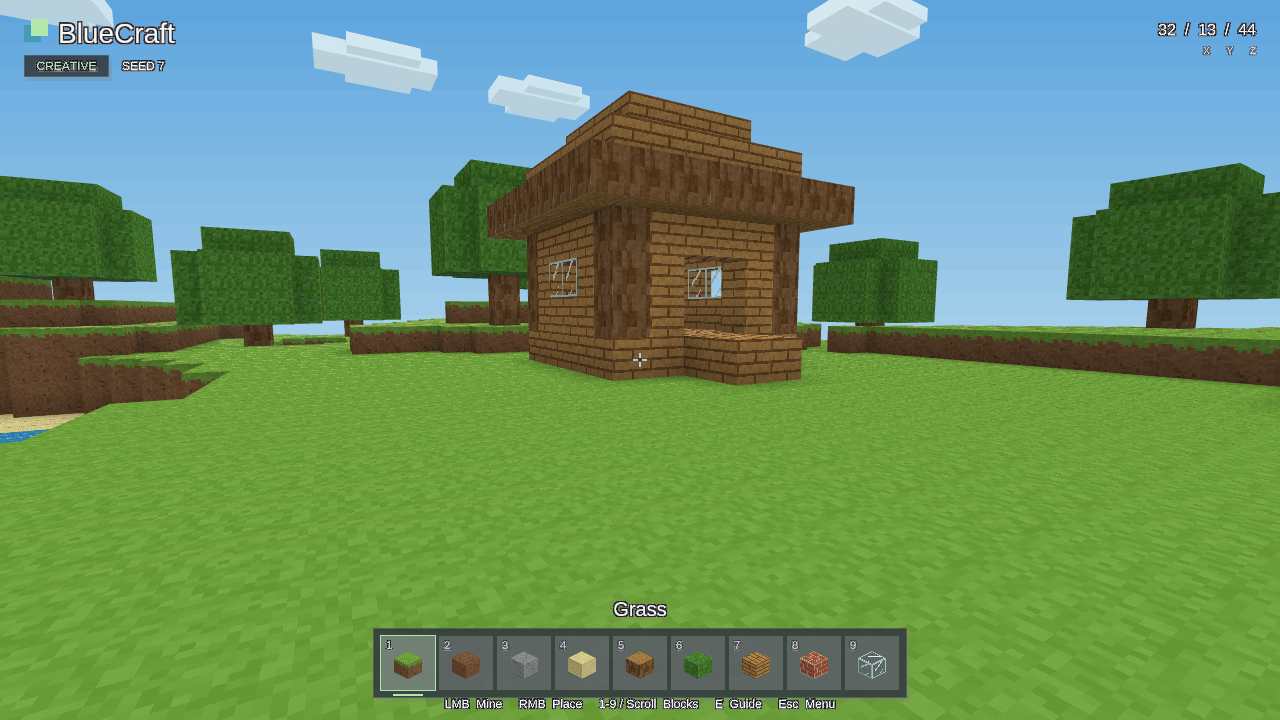
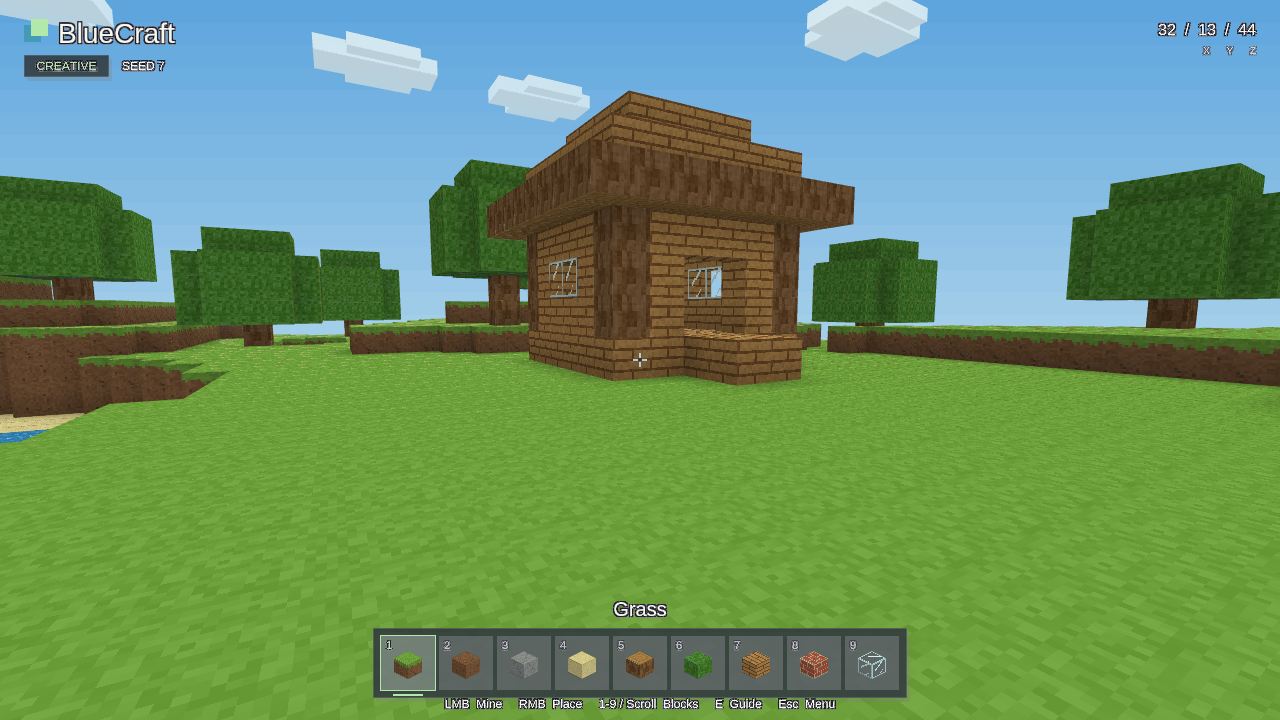
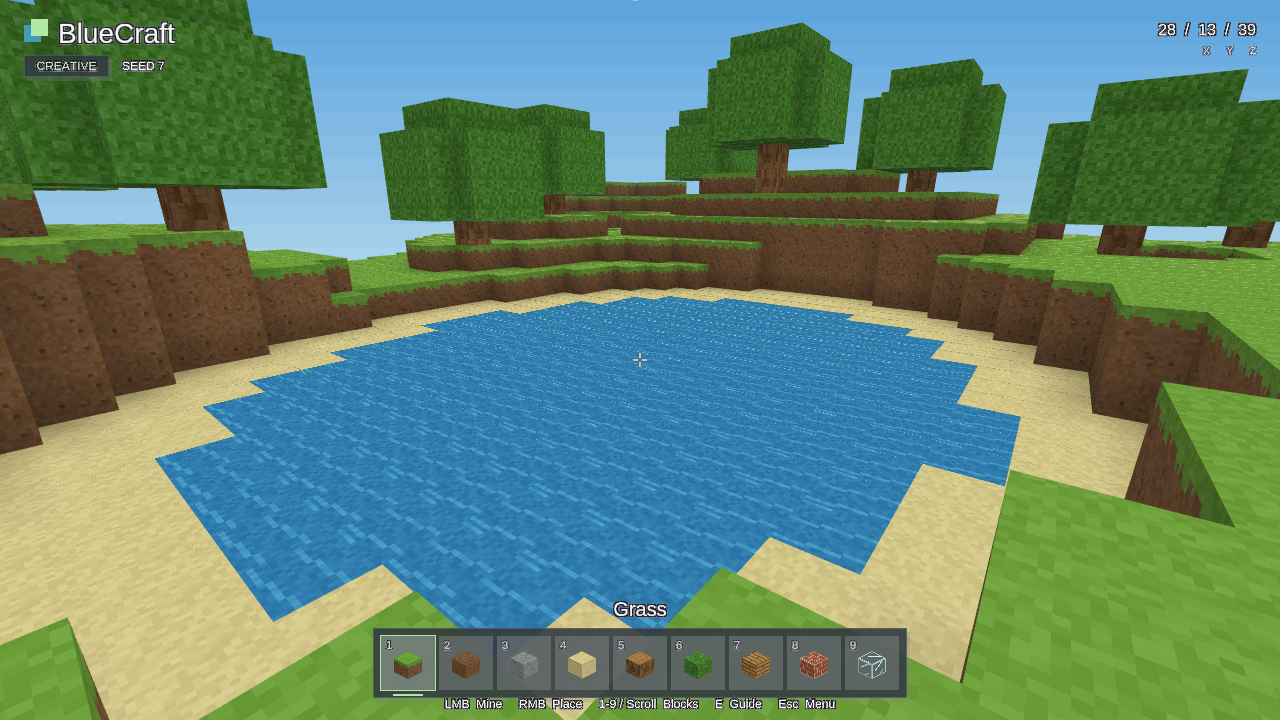
BlueCraft has no scripted narrative, named protagonist or quest. Its setting is a compact, sunny block landscape with a wooden starter cottage, a meadow, trees and a pond. The player supplies the purpose by exploring and building.
Build a little world. Explore a sunny voxel landscape, mine blocks, and build with nine unlimited materials in this first-person creative sandbox.
Human-designed Human-directed game concept and rules; development may use AI assistance.
Download installer (.exe)Run the Windows x64 installer. WASD moves, the mouse looks, left click mines, right click builds, and E opens the controls guide. Automatic progress and F5/F9 checkpoints are stored separately. Run a newer BlueCraft installer to upgrade while retaining saves and settings.
BlueCraft is a small first-person creative voxel sandbox made with BlueEngine. Explore a finite block landscape with a starter cottage, grassy hills, trees and a sandy pond, then reshape it by breaking and placing blocks. A nine-slot palette provides unlimited building materials, so you can make a shelter, change the cottage or experiment with a small landscape without collecting resources.
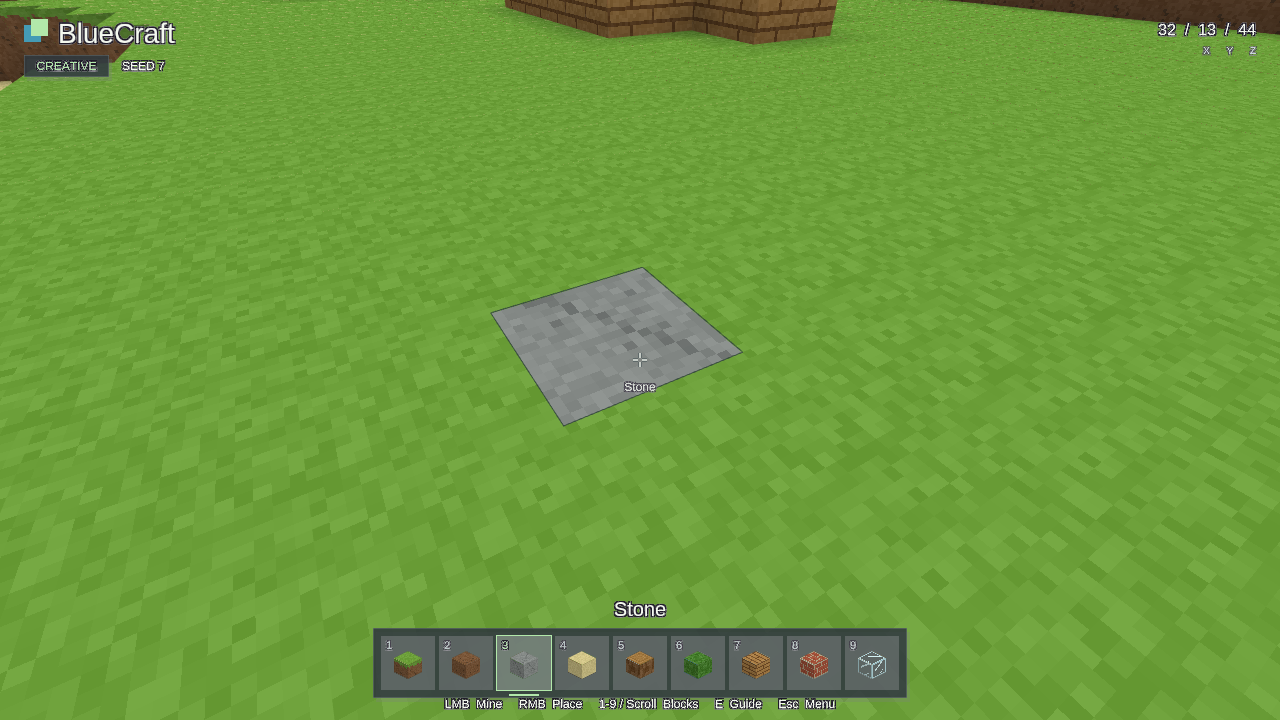
The crosshair outlines the block within reach and names its material. Walk, sprint and jump around your work, pick a material directly from the terrain, and save a checkpoint to return to a previous design. The world is a compact 64 × 64 × 32 grid of one-metre blocks.
BlueCraft has no scripted narrative, named protagonist or quest. Its setting is a compact, sunny block landscape with a wooden starter cottage, a meadow, trees and a pond. The player supplies the purpose by exploring and building.
The game is viewed through a first-person camera and does not render a player character model, visible hands, NPCs, animals or enemies. There are no separately depicted characters to illustrate.
Open an image to see the full capture.
Using BlueEngine, create a simple Minecraft clone called BlueCraft
The original creation request is reproduced verbatim. The user subsequently requested the latest engine version; this guide describes the implemented creative sandbox.
Rate this game out of 10 and share what you enjoyed or would improve. Reviews are public in the BlueEngine repository and help guide future improvements.
Write a review on GitHub (GitHub sign-in required).
The latest release is the default. Choose an older release below to revisit a previous build.
| Released | Release | Download | Verify |
|---|---|---|---|
| 2026-10-20 Latest | BlueCraft 0.1.1bluecraft-v0.1.1 | Download installer (.exe) 3.1 MB | Checksums |
| 2026-10-19 | BlueCraft 0.1.0bluecraft-v0.1.0 | Download installer (.exe) 3.2 MB | Checksums |